Tool features
How the river rock calculator handles size, curves, and voids
The river rock calculator pairs a measured bed with a stone-size cover depth and avoids importing the compaction assumptions used for dense road-base material.
Stone-size depth presets
Tie small, medium, and large river rock to an explicit cover depth instead of using one generic landscape layer.
Changing-width creek sections
Break a dry-creek run into measured pieces so narrow reaches are not priced at the widest width.
Rock-size cover choices
Review the selected depth against the actual rounded-stone range before calculating volume.
Loose rounded-rock density
Keep void-rich river rock on a supplier value rather than borrowing the weight of a compacted blend.
Placement allowance control
Expose extra material for curves, transitions, and hand fitting without hiding it in the dimensions.
Yard, tonne, or bag order
Translate the developed bed into the local bulk or package unit and round only at the final step.
What changes the result
Larger river rock needs a deeper visible layer
Rounded river rock leaves irregular voids, and large pieces can show the surface below when placed too shallowly. The preset connects approximate particle size with a transparent starting depth.
The river rock calculator then converts the measured footprint and depth into loose volume. Editable bulk density controls the weight, while extra material and rounding account for placement and supplier units.
For a defensible river rock calculator result, divide changing-width features into measured sections and replace the planning density with the supplier value for the selected size range.
Decorative cover is not drainage design
A volume result does not verify water flow, bedding, filter fabric, outlet capacity, or compatibility between soil and rock. Use it only after the drainage section is defined.
Large stone creates irregular edges
Curves, dry-creek transitions, and hand-placed edges can use more material than a neat rectangle. Measure in sections and keep the extra allowance visible.

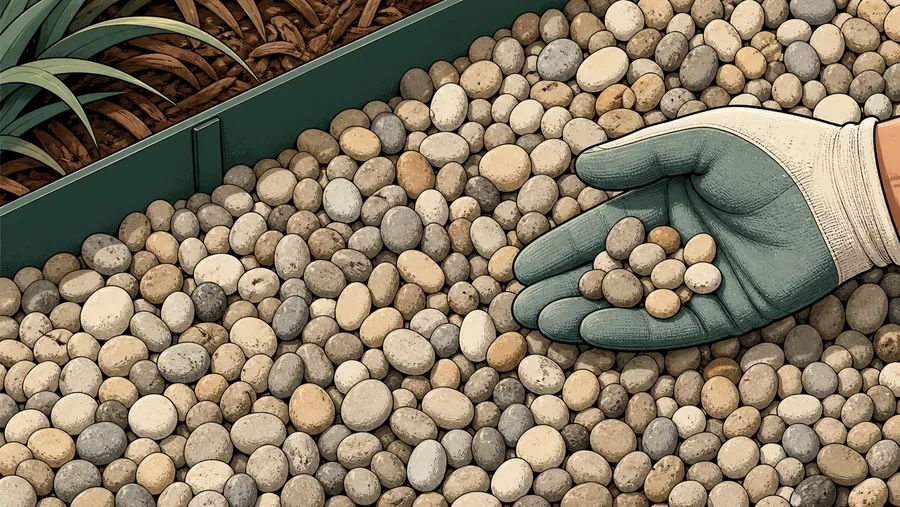

Reference data
River rock size and coverage reference
Pick a depth that can physically cover the selected particle size, then verify the material density with the supplier.
Size-based cover presets
finished depth
For a specified rock gradation, use the project documents and supplier data instead of the visual-cover presets.
River rock estimate sequence
visible from input to purchase
Check stone-size range, developed bed area, cover depth, loose density, and hand-placement allowance before arranging delivery.
Why it matters
River rock orders are sensitive to size and placement
Cover depth
The visible layer grows with the selected particle-size range.
Placement allowance
Large pieces, curves, and transitions create irregular yield.
Loose placement
The default avoids a base-course compaction assumption.
Ask whether the product is sold by weight or volume and whether the quoted density reflects loose, damp, or compacted material.
Where it fits
River rock projects with distinct boundaries
Measure the actual protected or decorated surface; do not fill planted islands or pipe volume by accident.
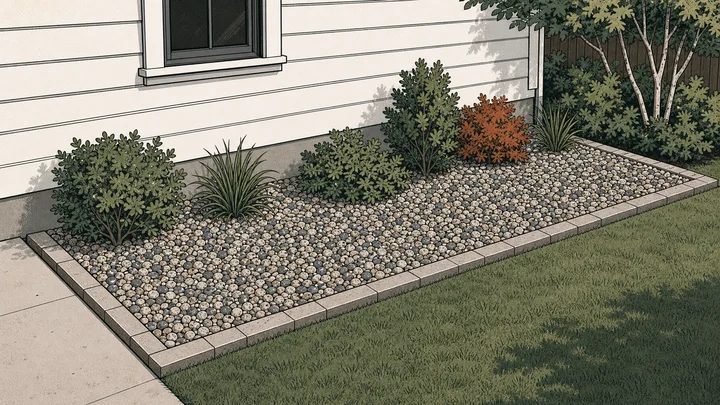
Decorative bed
Choose the stone size, cover depth, and a measured shape around plants.
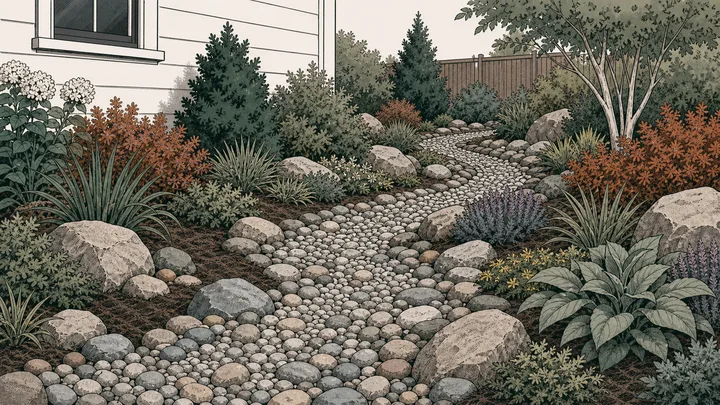
Dry-creek accent
Divide the run into sections when width changes rather than using one widest rectangle.
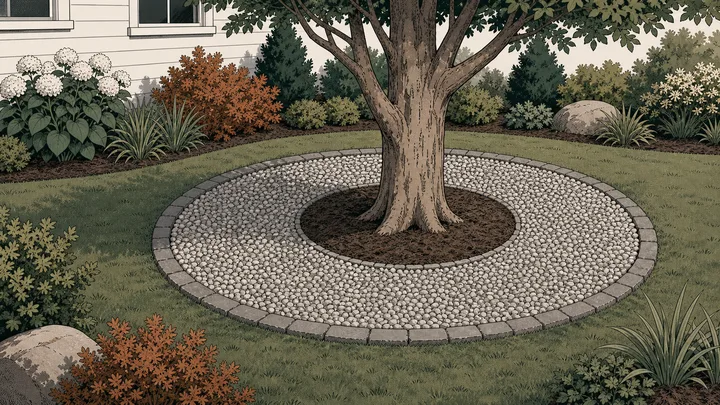
Tree or fountain ring
Subtract the open centre and estimate only the annular rock surface.
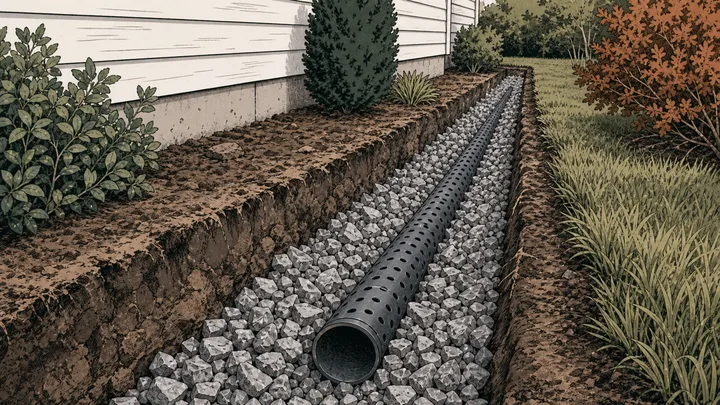
Drainage area quantity
Calculate material volume after the drainage geometry and filter design are established.
Method
Estimate rounded rock across the surface that is actually covered
The river rock calculator combines bed geometry and visible layer depth first, then applies loose density, placement allowance, packaging, and sales rounding.
Develop the covered bed area
Measure straight, circular, ring, and changing-width sections along the actual river-rock surface.
Match size to visible depth
Select the approximate particle range, confirm a suitable cover layer, and enter the product’s loose density.
Allow for irregular placement
Add explicit placement or edge allowance, then round the resulting weight or volume to the seller’s unit.
Live worked example — waiting on your inputs
Calculate the project and the river rock calculator will expose net area, selected cover, cubic volume, order weight, package count, and the effect of the extra allowance.
FAQ
River rock calculator questions about stone size and coverage
The river rock calculator FAQ covers dry-creek measurement, depth for larger rock, supplier density, drainage boundaries, bags, and irregular placement.
How much river rock do I need?
Measure the covered footprint, choose the river-rock size and finished depth, and enter the supplier density if known. The river rock calculator reports volume, weight, whole bags, extra material, and a rounded bulk order.
How deep should 2 inch river rock be?
A 3-inch layer is included as a visual-cover starting point for roughly 1–2 inch rock, while 2–3 inch rock defaults to 4 inches. These are quantity presets, not drainage or construction requirements.
Can I use river rock in the French drain calculator?
Only if the selected washed drainage rock is appropriate for the specified system. Use the French drain page to subtract pipe volume and estimate fabric; use this page for general bed or surface coverage.
How should I measure a dry-creek bed?
Divide the run wherever width or depth changes, measure each section, and add them. Avoid multiplying total length by the single widest point unless that width is truly constant.
Does this select river rock for drainage?
No. It estimates volume and purchasing weight for a chosen product. Drainage gradation, filter compatibility, flow, outlet, and construction details require separate selection or design.
Calculation references and review
The river rock calculator uses standard geometry and explicit unit factors. Bulk-density and cover-depth presets remain editable because rounded-stone gradation, moisture, void space, and delivery measurement differ by source.
- ASTM C29/C29M-23 — bulk density and voids in aggregate
- ASTM C127 — relative density and absorption of coarse aggregate
- NIST SP 811 Appendix B.9 — conversion factors by quantity
Reviewed by the gravelcalculator.app editorial team on . Review scope: unique project logic, geometry, unit factors, bulk-density language, purchasing assumptions, interface labels, and calculation boundaries.