Tool features
What the landscape rock calculator does with beds and rings
The landscape rock calculator connects particle size to visible cover depth and provides circle and ring geometry so planted centres are not accidentally purchased as rock.
Ring and island geometry
Subtract an inner circle from an outer bed without estimating the planted island as rock.
Freeform beds by section
Total straight borders, circular features, and measured fragments instead of pricing one oversized rectangle.
Size-linked cover depth
Pair small, medium, or large decorative rock with a visible layer depth that can be reviewed.
Lightweight rock option
Avoid applying dense river-rock weight to porous lava rock with a separate material preset.
Bags, scoops, or bulk loads
Translate the same bed volume into packages and a supplier-rounded weight or volume order.
Local landscape-yard quote
Enter the sales unit actually offered nearby, including minimum quantity and delivery, without changing geometry.
What changes the result
Decorative rock coverage starts with particle size
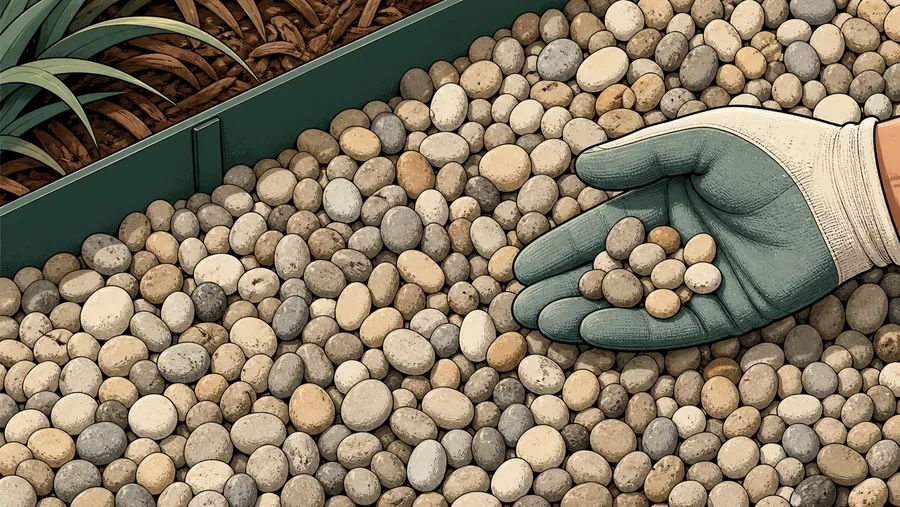
A shallow layer can cover fine gravel while leaving larger landscape rock visibly sparse. The calculator ties each use preset to an explicit depth so the visual-cover assumption is easy to change.
Circular beds and planted islands are often overestimated as full rectangles. Use the circle or ring shape, or combine several measured sections, before converting volume into bulk weight and bags.
Before accepting a landscape rock calculator result, compare the selected cover depth with the actual stone size and confirm that every excluded planting island has been removed from the footprint.
How the ring shape works
Enter the outside diameter and the planted inside diameter. The calculator subtracts the inner circle and covers only the annular rock bed.
Why lava rock needs its own density
Lightweight porous products can weigh far less than rounded river rock at the same volume. Select the correct product instead of reusing a generic ton-per-yard value.
Reference data
Landscape rock coverage by particle size
Depth is the controlling coverage choice; bulk density then converts that volume into a purchase weight.
Visual-cover starting points
finished depth
These are coverage presets, not weed-control, drainage, accessibility, or landscape-construction requirements.
Decorative coverage chain
visible from input to purchase
Before accepting a landscape rock calculator order, review the net bed shape, chosen particle range, visual cover depth, and rock-specific density.
Why it matters
Landscape rock is purchased by the empty spaces too
Cover-depth range
Larger particles generally need a deeper visible layer.
Edge allowance
Curves, plants, grade changes, and hand placement add uncertainty.
Rock-specific density
River rock and lava rock should not share one weight conversion.
Confirm whether the local yard sells by cubic yard, tonne, short ton, scoop, bag, or pallet before setting the rounding increment.
Where it fits
Landscape shapes the calculator handles directly
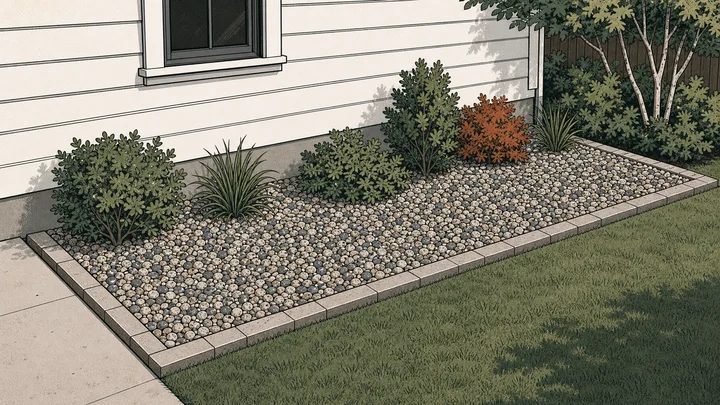
Use shapes that match the actual bed rather than paying for rock that will never be placed.
Rectangular bed
Enter length and width for a foundation strip, median, or straight border.
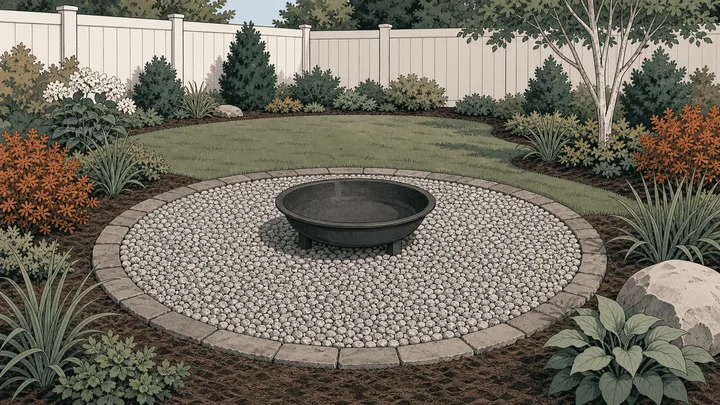
Circular bed
Use a diameter for a tree bed, fire-pit surround, or round feature.
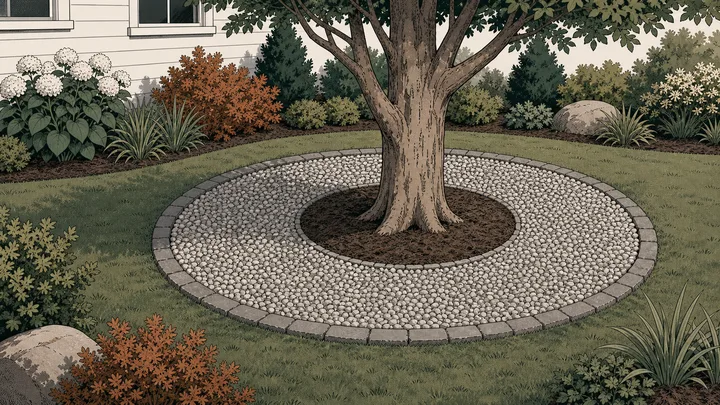
Rock ring
Subtract the planted center from the outer circle automatically.
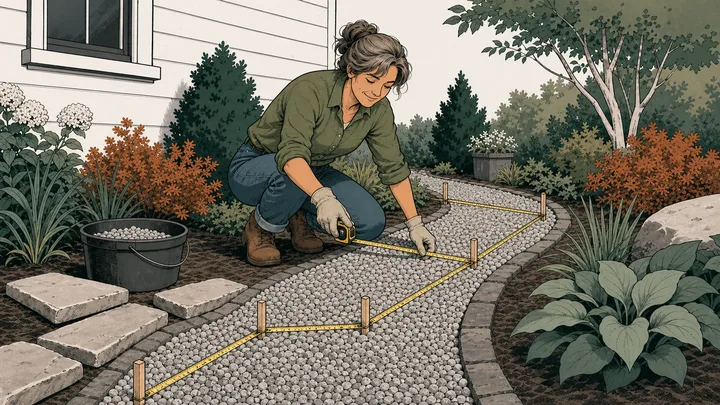
Irregular garden
Divide a freeform bed into measured sections and total the areas.
Method
Turn the decorated surface into rock, bags, or bulk delivery
The landscape rock calculator totals only the covered shapes, applies the chosen visual depth, and then converts that volume using the density and packaging for the selected rock.
Draw the decorated footprint
Measure only the visible rock bed and subtract tree wells, fountains, or planted centres with ring geometry.
Pair particle size with cover
Choose the approximate rock size, set a realistic finished depth, and use the product’s loose density.
Convert cover into a purchase
Add edge allowance, compare packages with bulk supply, and round to the landscape yard’s sales increment.
Live worked example — waiting on your inputs
Calculate a bed and the landscape rock calculator will display net decorated area, cover volume, exact weight, extra material, bags, and supplier-rounded quantity.
FAQ
Landscape rock calculator questions for real garden shapes
The landscape rock calculator FAQ addresses tree rings, larger particles, irregular beds, lightweight lava rock, package counts, and ordering units.
How much landscaping rock do I need?
Measure only the covered bed, choose the rock-size depth preset, and select the closest material density. The landscape rock calculator adds the areas, converts depth to volume, and rounds bulk weight or bags upward.
How do I calculate rock around a tree?
Choose the ring shape. Enter the outside diameter of the finished bed and the inside diameter that stays open around the trunk or planting island. The calculator subtracts the center automatically.
Does larger decorative rock cover the same area?
Not at the same finished depth. Larger particles usually need a deeper layer for visual coverage, and larger voids can also change bulk density. Adjust both depth and product rather than scaling weight alone.
What depth should I use for large landscape rock?
Use a depth that can cover the selected particle range; the large-rock preset starts deeper than small decorative stone. Confirm appearance and coverage with the supplier or installer.
Can the tool exclude several planting islands?
Yes. Add a ring for each circular island or combine measured sections around irregular plantings. Only the resulting net bed area contributes to the landscape-rock quantity.
Calculation references and review
The landscape rock calculator uses standard shape geometry and explicit unit factors. Its cover depths and densities are labelled planning inputs because actual decorative-rock size, voids, moisture, and supplier measurement practices vary.
- ASTM C29/C29M-23 — bulk density and voids in aggregate
- ASTM C127 — relative density and absorption of coarse aggregate
- NIST SP 811 Appendix B.9 — conversion factors by quantity
Reviewed by the gravelcalculator.app editorial team on . Review scope: unique project logic, geometry, unit factors, bulk-density language, purchasing assumptions, interface labels, and calculation boundaries.