Tool features
How the limestone calculator keeps grades from blending together
The limestone calculator distinguishes screenings, crushed grades, dense blends, and clear stone before applying depth, bulk density, compaction, packaging, and cost.
Regional grade choices
Compare #57, 2A, 2B, 304, screenings, and a custom supplier product without claiming the names are universal.
Course-by-course geometry
Measure a limestone base, surface, or drainage zone independently when their grades or depths differ.
Screenings and clear stone
Keep fines-rich and open-graded limestone on separate density and compaction assumptions.
Compaction only where relevant
Apply a loose-volume adjustment to a compacting blend without forcing it onto clean drainage stone.
Merchant package choices
Compare whole bags, bulk bags, tonnes, short tons, and cubic volume using the selected grade.
Grade-level quote entry
Price the named limestone product and its delivery terms instead of using one generic stone rate.
What changes the result
Limestone grade names change across markets
A supplier may use #57, 2B, 2A modified, 304, or screenings to describe products with different grading and intended use. Those terms are not a nationwide guarantee of identical particle distribution.
The limestone calculator pairs every name with an editable planning density and note. It then keeps compaction, extra material, bags, cost, and order rounding independent from the grade label.
A limestone calculator result should name the grade it represents; “limestone” alone is not enough to justify a weight conversion or determine whether the layer should compact.
Open-graded versus fines-rich limestone
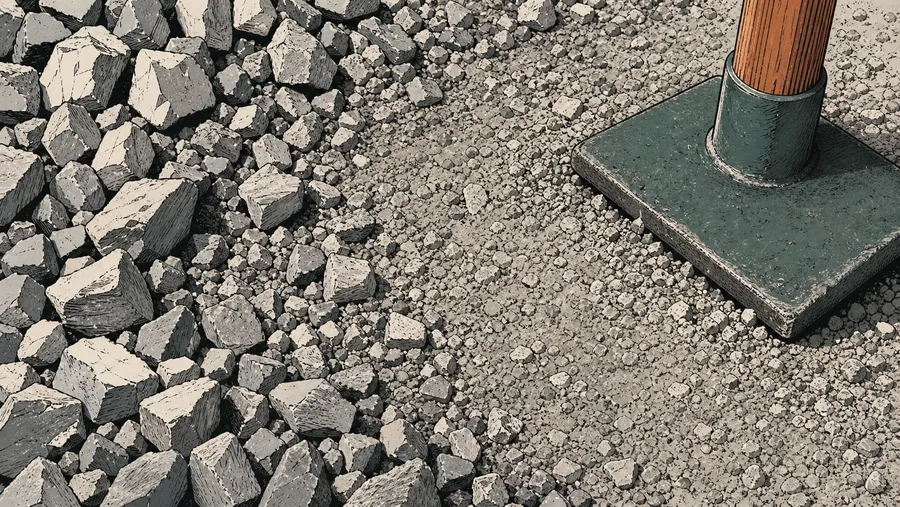
Open-graded products retain larger voids and are often handled differently from base blends containing fines. Match the quarry description to the intended layer.
When to use the custom option
If the ticket lists a product-specific unit weight, gradation, or sales unit, select custom and enter that data instead of forcing a regional nickname.
Reference data
Limestone grades and planning densities
Use the supplier’s product specification where available; these labels only route the estimate to a sensible starting point.
Common supplier language
verify locally
The calculator estimates quantity; it does not certify that a named limestone grade meets a project specification.
Grade-to-order sequence
visible from input to purchase
Carry the limestone grade, fines condition, finished depth, compaction treatment, and merchant unit through every comparison.
Why it matters
The grade name is only the start of a limestone order
Regional naming
Ask what the supplier’s number means rather than assuming a national definition.
Compaction behavior
A fines-rich base and clean drainage stone need different assumptions.
Supplier density
Use a quoted unit weight when it is available for the exact stockpile.
Save the selected grade, density, layer depth, extra percentage, and rounded unit with the result so the quote can be checked line by line.
Where it fits
Limestone quantity checks by project
Choose the material grade for the intended course and keep dissimilar layers out of the same total.
Compacted base
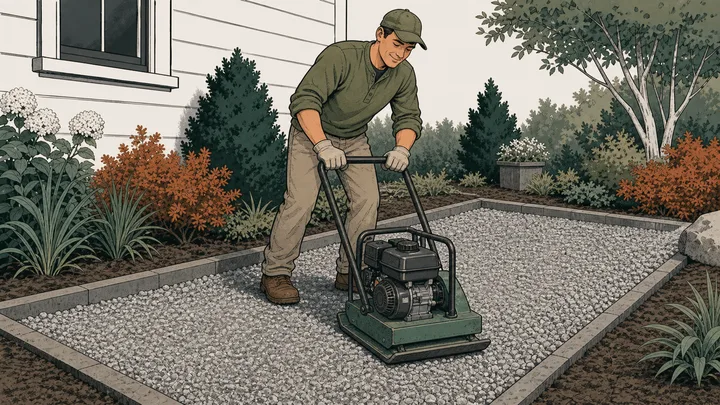
Use a fines-rich local blend and expose the loose-volume factor.
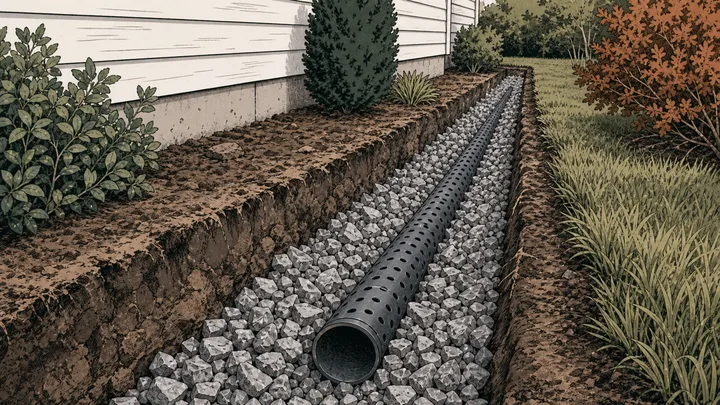
Drainage stone
Select an open-graded product and verify that the named size is suitable.
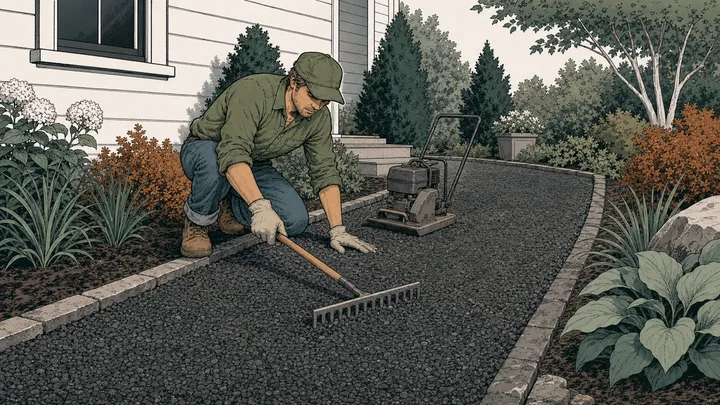
Driveway course
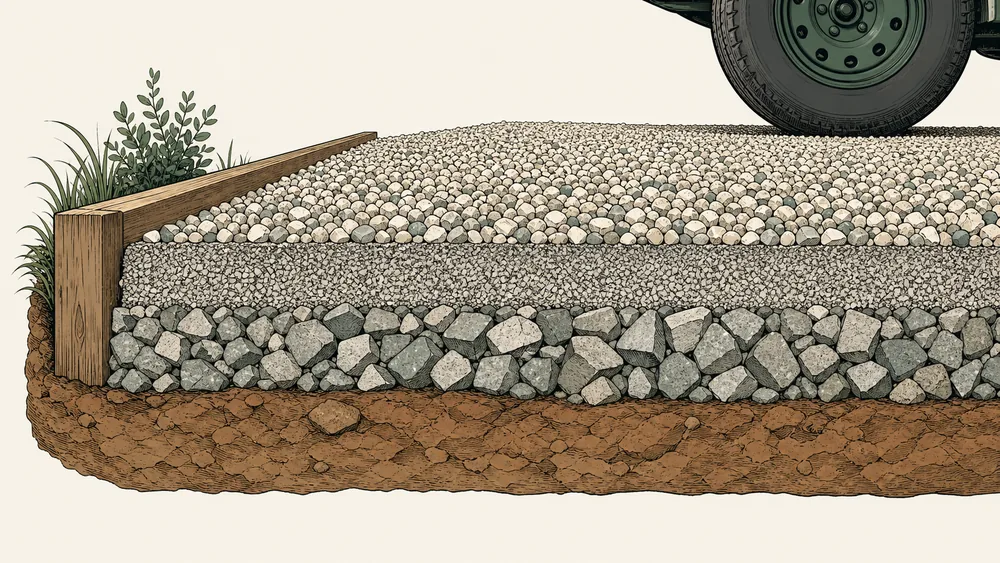
Calculate base and surface separately when the products or depths differ.

Small stone project
Convert the weight to whole bags using the actual package label.
Method
Convert a specified limestone course into an order
The limestone calculator starts with the measured layer, applies the behavior of the selected grade, and preserves the supplier density and sales increment used for the final quantity.
Measure one limestone course
Enter the footprint and finished depth assigned to a single screenings, crushed, dense, or clear-stone layer.
Select the grade behavior
Choose a product whose fines and compaction response match the quote, then replace its planning density if possible.
Round the matching product
Apply extra material and merchant rules only after volume and weight have been calculated for that grade.
Live worked example — waiting on your inputs
With a valid footprint, the limestone calculator will trace area, depth, loose adjustment, tons or tonnes, bags, extra material, and order rounding without merging unlike grades.
FAQ
Limestone calculator questions about screenings and clear stone
These limestone calculator answers cover grade selection, fines, compaction, supplier density, mixed sections, and the boundary between quantity and specification.
How much limestone do I need?
Measure the footprint, set the finished depth, and choose the closest local grade. The limestone calculator applies the editable compaction factor and density, then adds extra material and rounds the order.
Are #57 limestone and 2B limestone identical?
They may overlap in some markets, but the names are regional and do not guarantee identical gradation everywhere. Confirm the quarry description and use the density for the product actually supplied.
Can I estimate limestone for a driveway?
Yes. For one limestone course, use this page. If the driveway has a fines-rich base and a different top stone, use the gravel driveway calculator so each layer keeps its own depth, density, price, and rounded quantity.
Can I compare limestone screenings with clear stone?
Yes, but calculate each as a separate material setup. Screenings and clear stone can have different voids, bulk density, compaction behavior, uses, and supplier units.
Does the calculator choose a limestone specification?
No. Grade labels and presets are quantity aids. Project requirements, drainage behavior, strength, source approval, and compliance must be confirmed outside the calculator.
Calculation references and review
The limestone calculator follows standard volume geometry and NIST conversions. ASTM C29/C29M supports the use of measured bulk density, while the displayed limestone ranges remain editable planning values rather than certified product data.
- ASTM C29/C29M-23 — bulk density and voids in aggregate
- ASTM C127 — relative density and absorption of coarse aggregate
- NIST SP 811 Appendix B.9 — conversion factors by quantity
Reviewed by the gravelcalculator.app editorial team on . Review scope: unique project logic, geometry, unit factors, bulk-density language, purchasing assumptions, interface labels, and calculation boundaries.