Tool features
What the aggregate calculator exposes before you order
The aggregate calculator starts with grading and keeps the quarry product, loose density, placement allowance, and sales unit visible through the final round-up.
Grading-aware presets
Compare dense-graded, open-graded, recycled, and supplier-specific aggregate without implying one universal density.
Section-by-section footprint
Combine pads, strips, circles, rings, triangles, and surveyed areas without averaging unlike dimensions.
Quarry-ticket override
Replace the grading preset with the loose unit weight stated for the quoted aggregate stock.
Installed-to-loose bridge
Keep compacted layer volume distinct from the amount expected to leave the stockpile.
Bulk and package comparison
Read cubic yards, tonnes, short tons, small bags, and optional bulk bags from one takeoff.
Merchant quote controls cost
Apply the quoted sales basis, minimum, delivery charge, and loadable increment without a market-price guess.
What changes the result
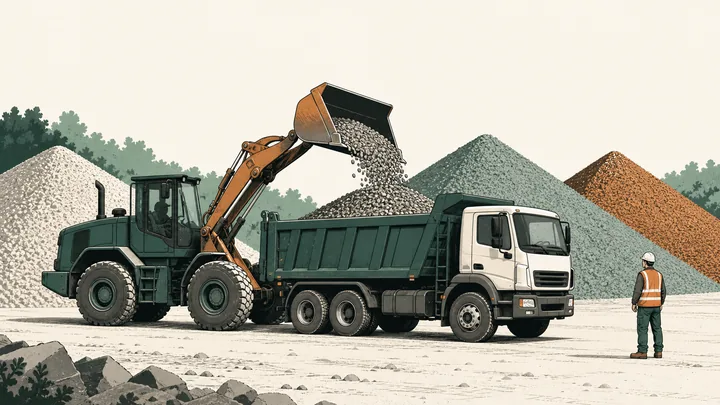
Construction aggregate is a family, not one density
Aggregate can mean crushed rock, gravel, recycled material, or a graded blend. The same measured volume can produce a different tonnage when particle shape, fines, moisture, and void space change.
This aggregate calculator keeps the material choice next to the density field. It calculates installed volume first, then loose purchase volume, weight, extra material, packages, and the rounded order.
Use the aggregate calculator as a takeoff record: the selected grading should remain attached to the volume and weight instead of disappearing behind a generic aggregate total.
Dense-graded versus open-graded
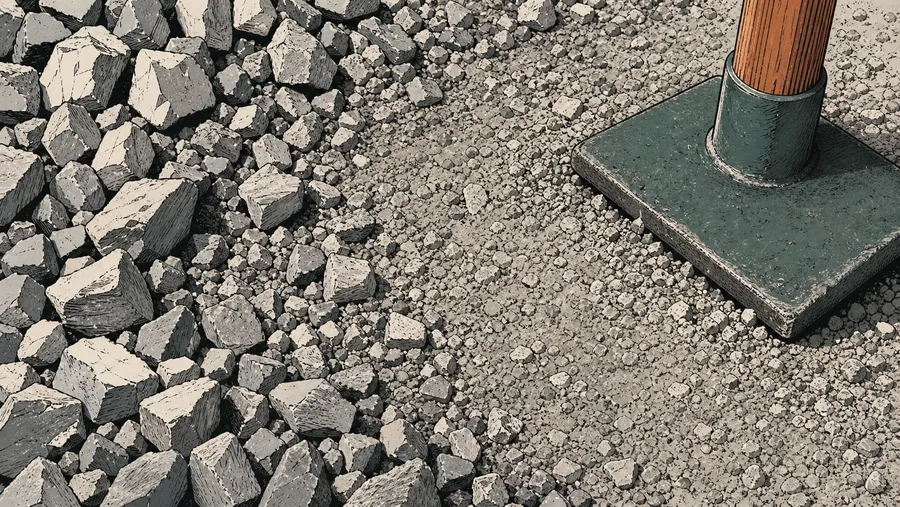
Dense-graded material contains a range of particle sizes and fines that fill voids. Open-graded material intentionally retains more void space. Use the product named on the quarry ticket.
Why tons and yards are not interchangeable
A cubic yard measures space, while a short ton measures weight. The conversion is only meaningful when a bulk density for the actual aggregate is supplied.
Reference data
Aggregate density and ordering reference
Use the ranges for planning, then replace them with the supplied loose bulk density and sales unit.
Planning bulk-density presets
short tons per cubic yard
Ranges are planning values, not product certificates. Loose and compacted unit weights are not interchangeable.
What the estimate carries forward
visible from input to purchase
Record the grading, supplied loose density, placement factor, and sales increment beside the result so another person can reproduce the order.
Why it matters
An aggregate order needs three visible assumptions
Product density
The selected quarry product controls volume-to-weight conversion.
Loose allowance
A compacted layer can require more loose material before placement.
Sales increment
The final load is rounded to what the supplier can invoice and deliver.
The aggregate calculator displays each assumption beside the result so a supplier value can replace any planning preset.
Where it fits
Built for real aggregate orders
Use one consistent calculation chain while changing the grading, depth, packaging, and sales unit for the job.

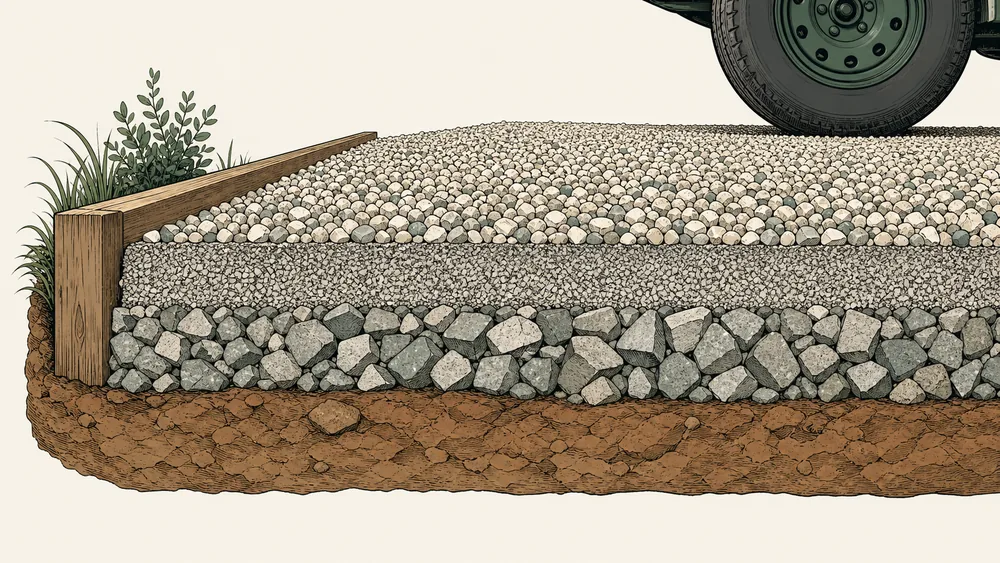
Compacted sub-base
Estimate a finished layer and account for the loose material required before compaction.
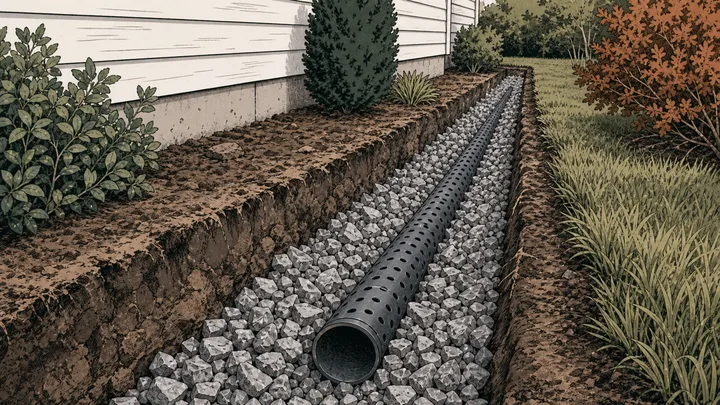
Drainage aggregate
Use an open-graded preset and confirm the void-rich product with the supplier.
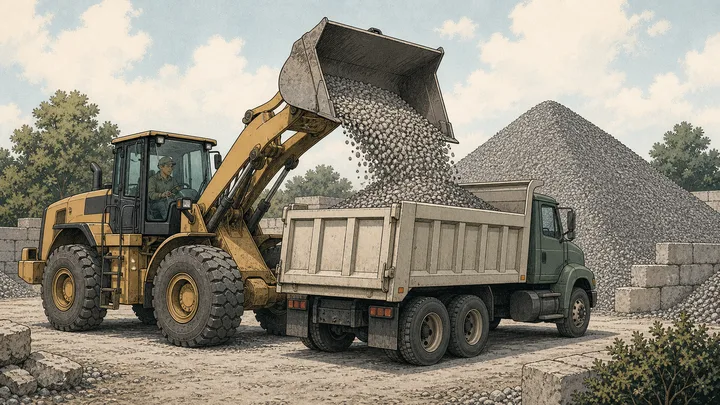
Bulk yard order
Convert area and depth into yards, tonnes, or short tons with visible rounding.

Small repairs
Compare a bulk result with whole bags using the package weight printed locally.
Method
From a measured aggregate layer to an invoice quantity
Inside the aggregate calculator, geometry establishes installed volume; grading, loose bulk density, extra material, and supplier rounding then change that volume into a purchase.
Map each aggregate section
Choose the matching shape for every part of the footprint and exclude areas receiving another material.
Name the grading and layer
Select dense, open, recycled, or custom aggregate and enter the intended finished depth for that course.
Match the yard’s sales unit
Apply loose density, placement and extra allowances, then round upward to the quoted tonne, ton, yard, or bag increment.
Live worked example — waiting on your inputs
After a valid entry, the aggregate calculator will lay out the measured footprint, installed volume, loose adjustment, exact weight, and rounded order in sequence.
FAQ
Aggregate calculator questions about grading and delivery
These aggregate calculator answers focus on product identity, metric orders, recycled material, mixed footprints, and the limits of a planning preset.
How much aggregate do I need?
Measure each area, choose the finished depth, and select the closest construction grading. The aggregate calculator converts that installed volume to loose volume and weight, adds the allowance you choose, and rounds the order upward.
Does this calculator work in tonnes and cubic metres?
Yes. Choose a UK, Canadian, or Australian region preset for metric dimensions, tonnes, cubic metres, kilograms, and local package defaults. No separate country URL is created.
Should recycled aggregate use the same density as virgin stone?
Not automatically. Recycled blends can contain different proportions and moisture levels. Use the recycled planning preset only for an early estimate and replace it with a supplier value before ordering.
Can I combine irregular aggregate areas?
Yes. Add measured rectangles, circles, rings, triangles, trapezoids, or known-area sections. The aggregate calculator totals their net footprint before applying one selected depth and material setup.
Does the result certify an aggregate specification?
No. Product names and density presets organize the quantity estimate only. Confirm grading, source approval, test declarations, and suitability against the project specification before purchasing.
Calculation references and review
The aggregate calculator uses standard area and volume geometry plus explicit NIST unit factors. ASTM C29/C29M and C127 distinguish bulk density from particle relative density; neither source supplies a universal density for every quarry product.
- ASTM C29/C29M-23 — bulk density and voids in aggregate
- ASTM C127 — relative density and absorption of coarse aggregate
- NIST SP 811 Appendix B.9 — conversion factors by quantity
Reviewed by the gravelcalculator.app editorial team on . Review scope: unique project logic, geometry, unit factors, bulk-density language, purchasing assumptions, interface labels, and calculation boundaries.